Natural speech bubbles
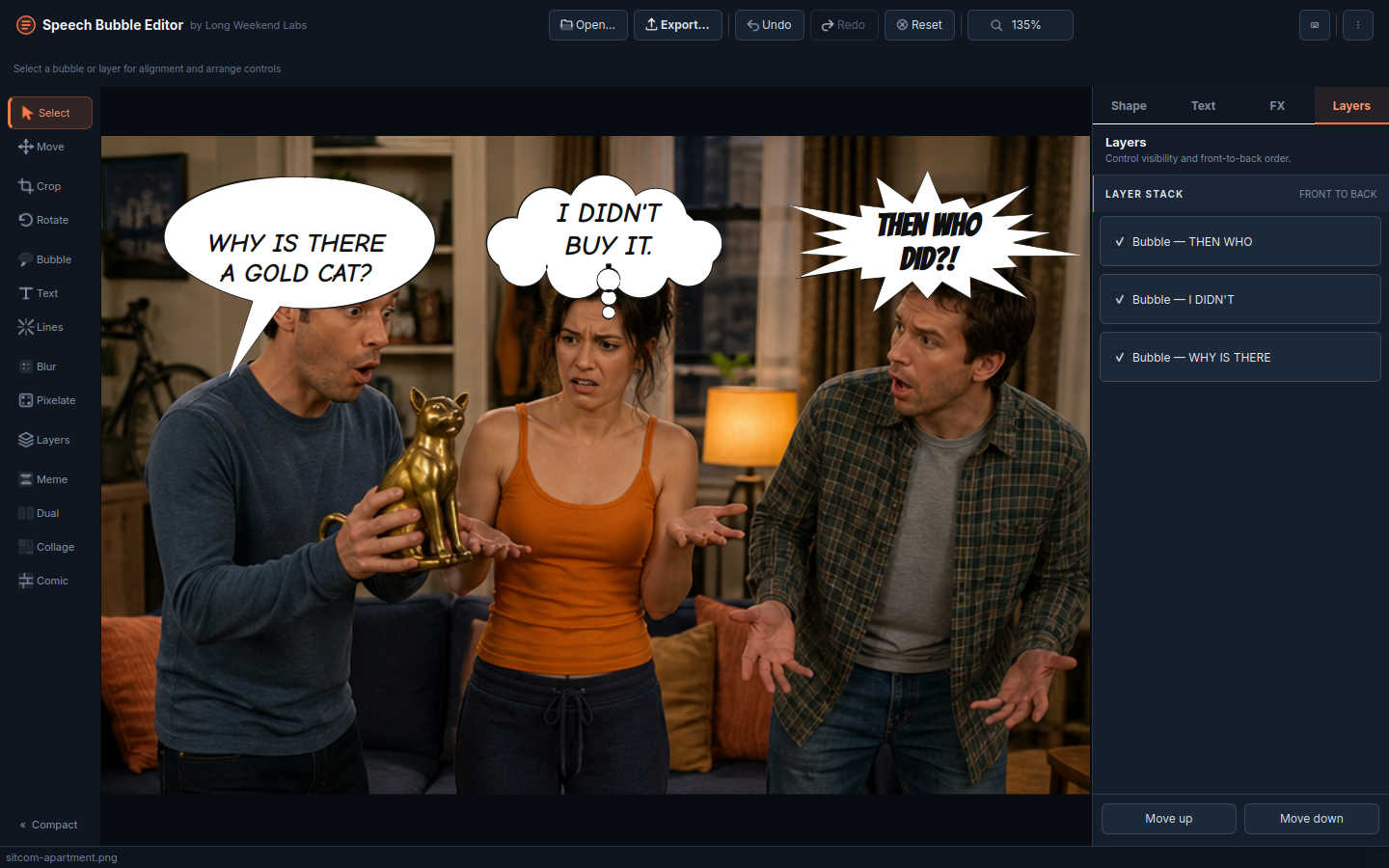
Oval, cloud, rectangle, starburst, text-only, scrim, and caption styles with draggable tails and live styling.
Build expressive speech bubbles, hand-inked comic layouts, photo collages, and video edits on your desktop without uploading your media anywhere.
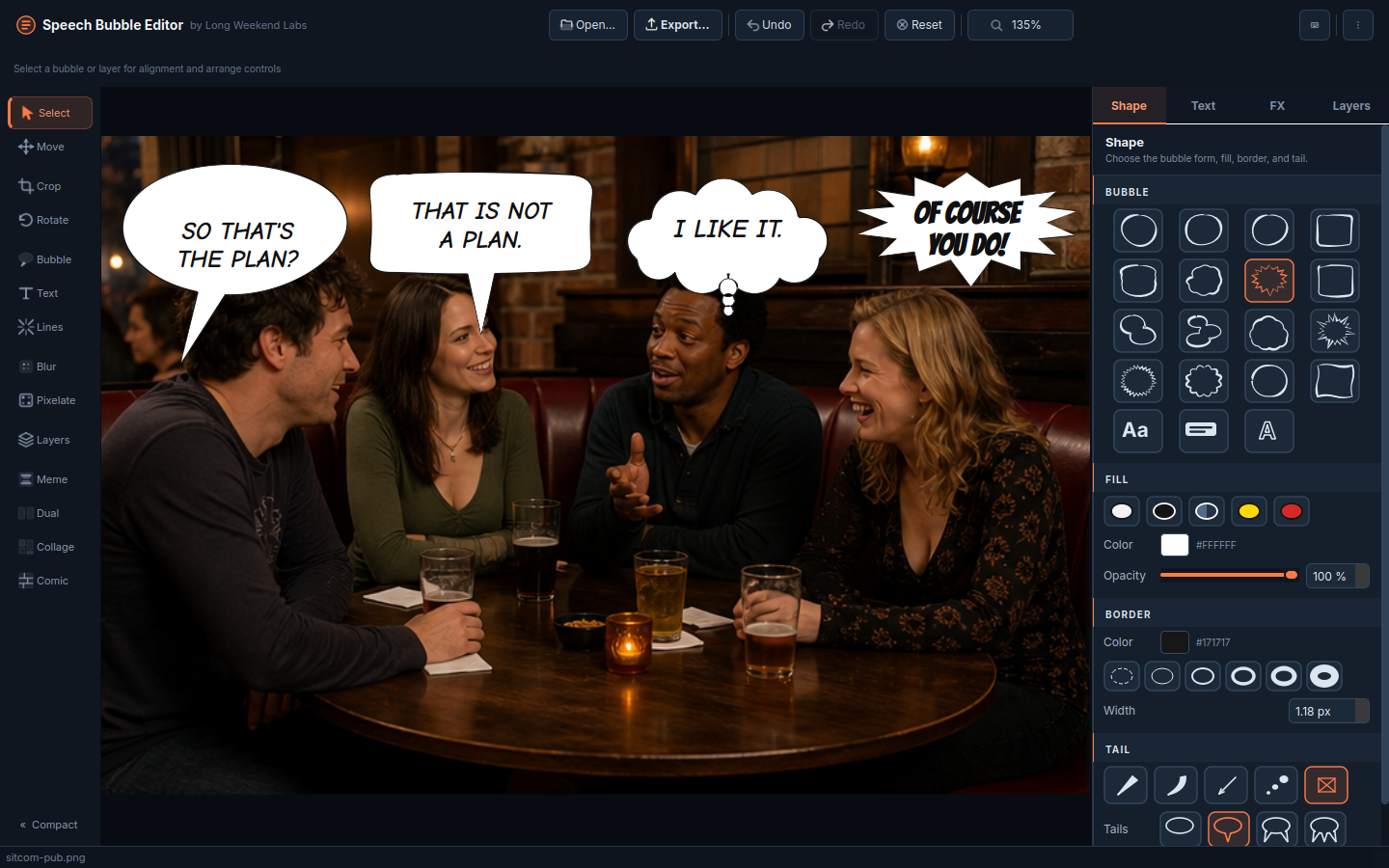
Inside the editor
Start with a single photo, build a multi-panel story, arrange a collage, or turn a frame into a finished meme—all without leaving the editor.
Editor
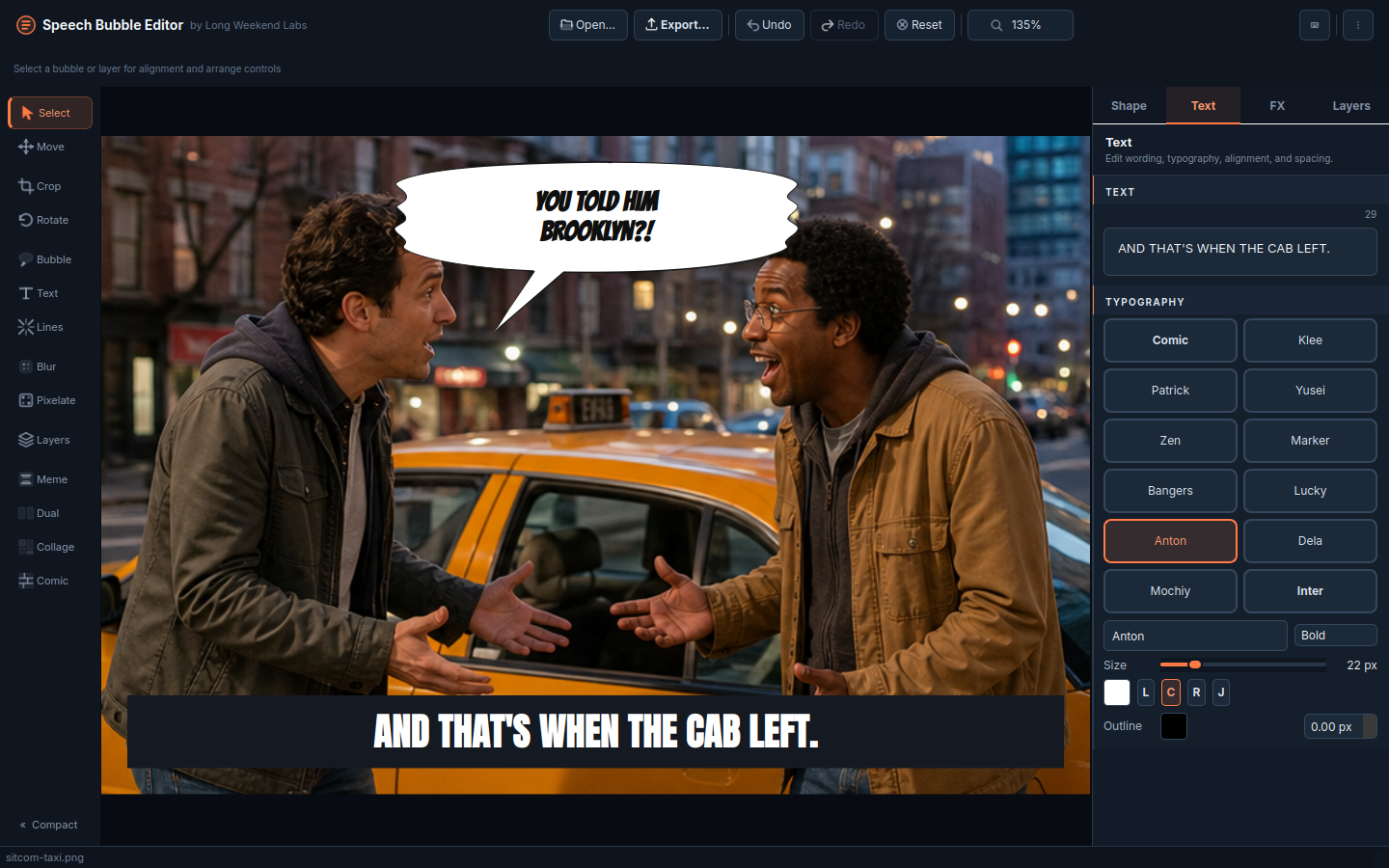
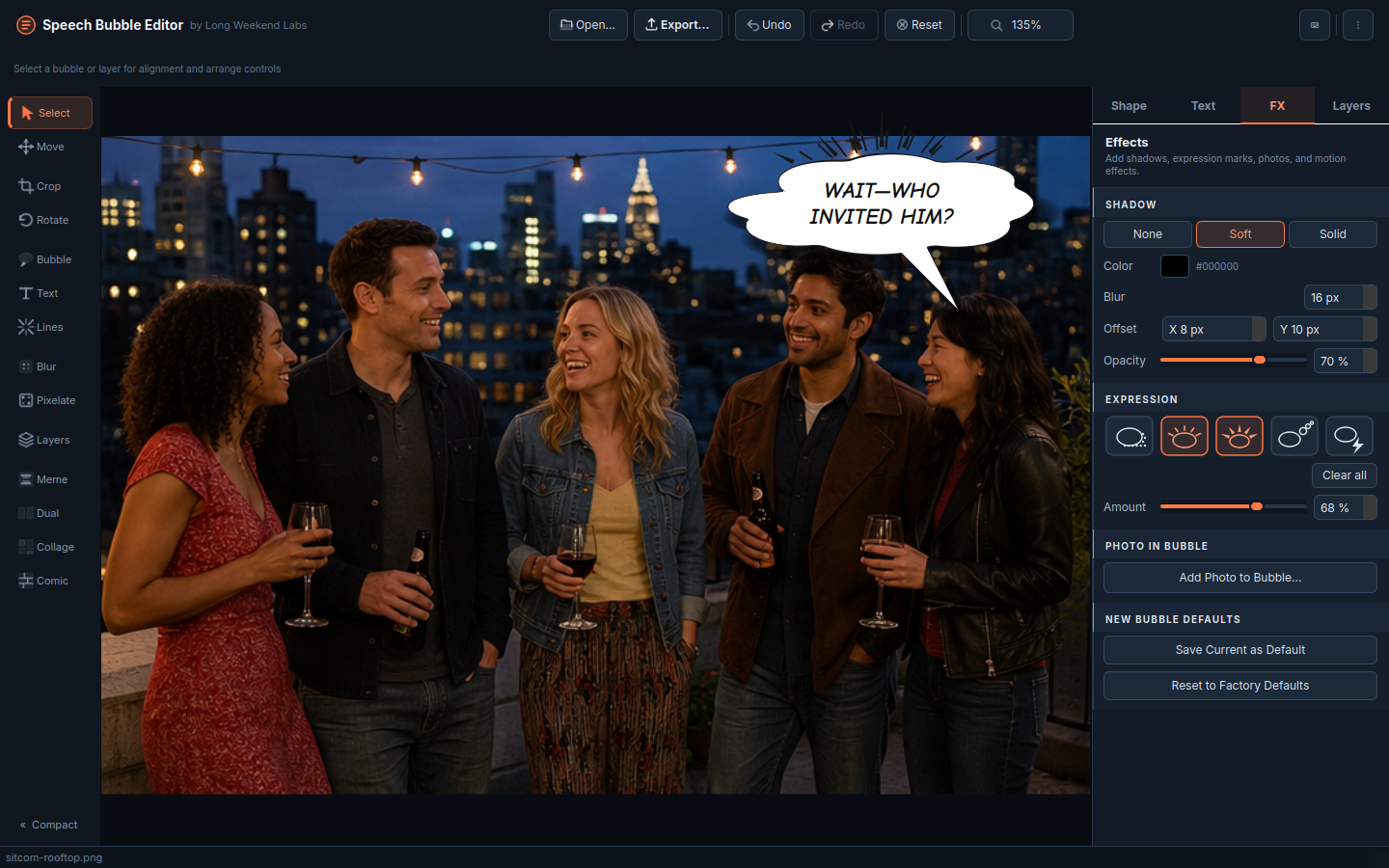
Make a single image or video, generate a comic page, or arrange a polished photo collage without switching apps.
Oval, cloud, rectangle, starburst, text-only, scrim, and caption styles with draggable tails and live styling.
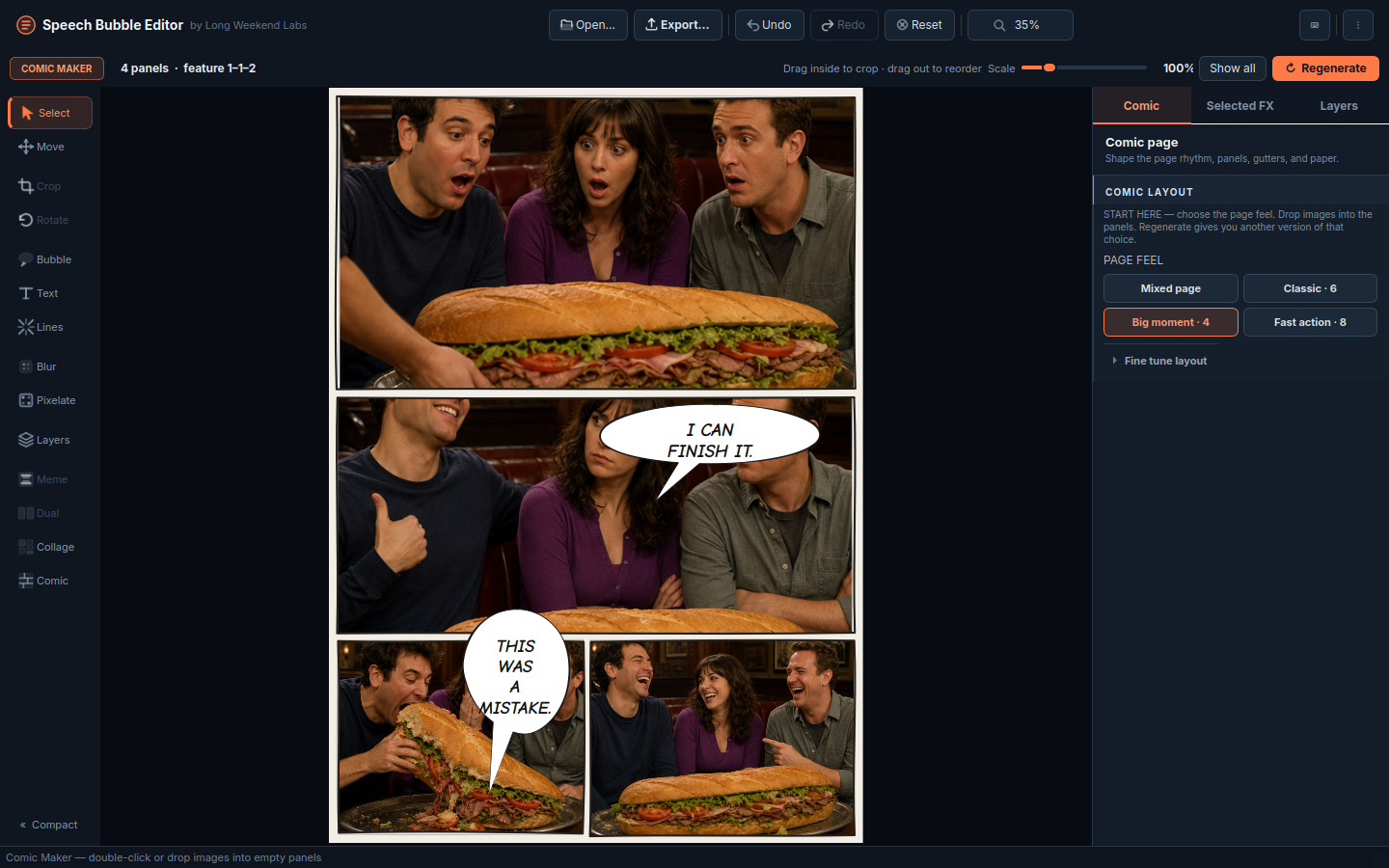
Generate hand-inked 4, 6, 7, or 8-panel pages, tune the composition live, and regenerate without losing loaded images.
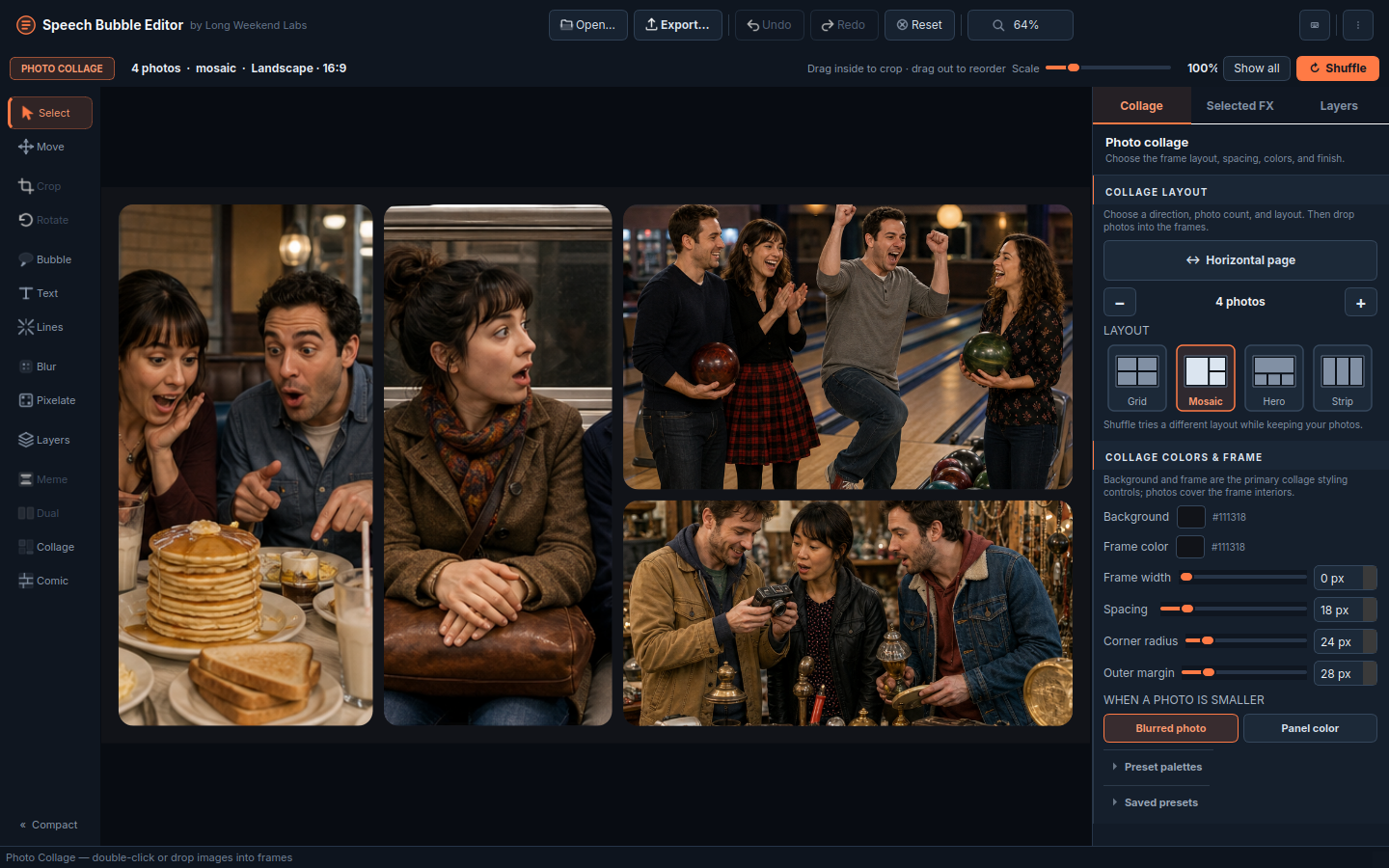
Arrange 2–9 photos with visual layout choices, multiple canvas orientations, shuffle, and reusable named presets.
Drag to crop, pull toward another frame to reorder magnetically, scale from 10–500%, or fit with blurred or solid fill.
Apply lines, blur, or pixelate to the highlighted frame and edit background, frame ink, spacing, and corners live.
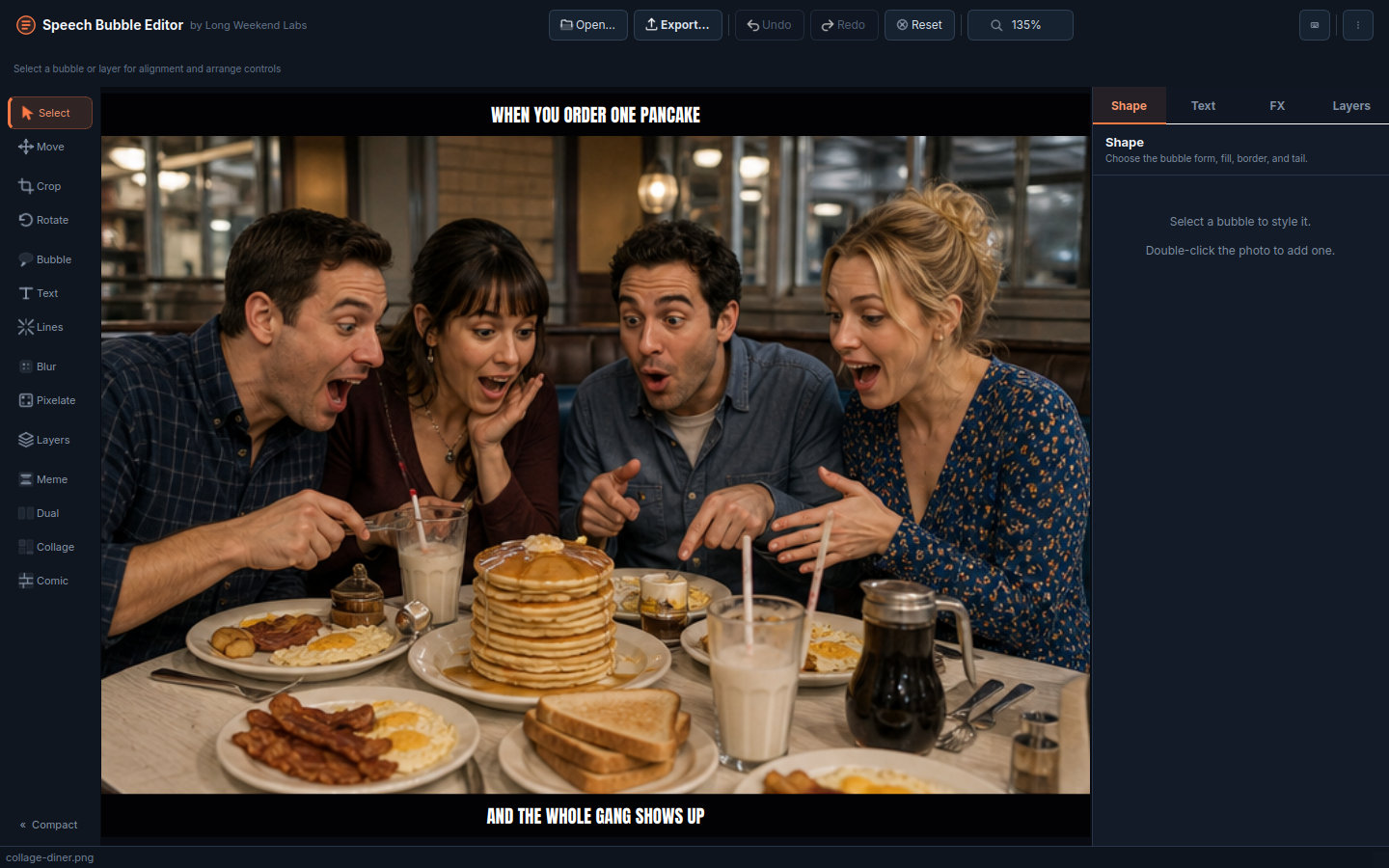
Keep the original layered editor, dual and meme modes, video timeline, trim, reverse, slow-down, and full-resolution export.
Workflow
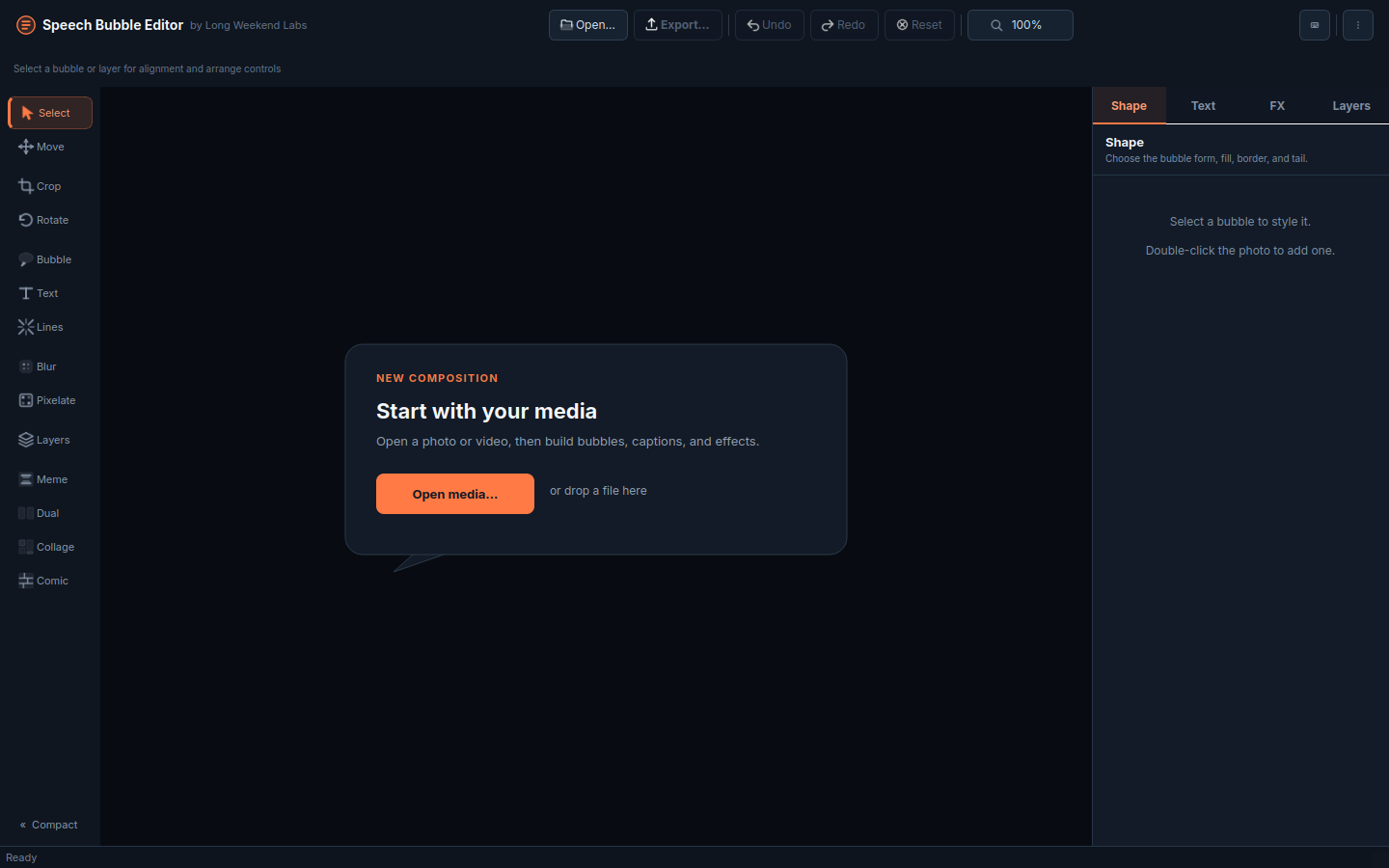
Edit normally, start Comic Maker, or open Photo Collage directly—even before loading an image.
Open or drag photos into frames. Comic and Collage automatically preserve and arrange them.
Crop inside a frame, drag outward to reorder, then use the dedicated right pane for layout and effects.
Save a full-resolution page or still image, or render normal-mode video edits with FFmpeg.
Download
The latest release is fetched directly from GitHub. Official v4.5 builds target Windows x64 and Linux x64, with source archives for other environments.
AppImage, DEB, RPM, and portable tar.gz for Intel/AMD Linux.
Setup installer and portable ZIP for Windows 10 or 11 on Intel/AMD.
More from Long Weekend Labs